
Cisco Certified Network Associate
Join the Cisco Certified Network Associate Course as a beginner & work on practical projects like a pro.
- Gain experience and mastery over industry-standard tools – Cisco Packet Tracer, GNS3, Cisco OIS, and other interesting tools.
- Live and participatory virtual and classroom training conducted
- Deep understanding of network configuration, troubleshooting, security, and performance testing.
- Career Guidance, CV building, Practice Interview Sessions with 100% placement support.

World-Class Instructors

1:1 with Industry Mentors

55% Avg. Salary Hike

Interview Preparation
World-Class Instructors
1:1 with Industry Mentors
55% Avg. Salary Hike
Interview Preparation
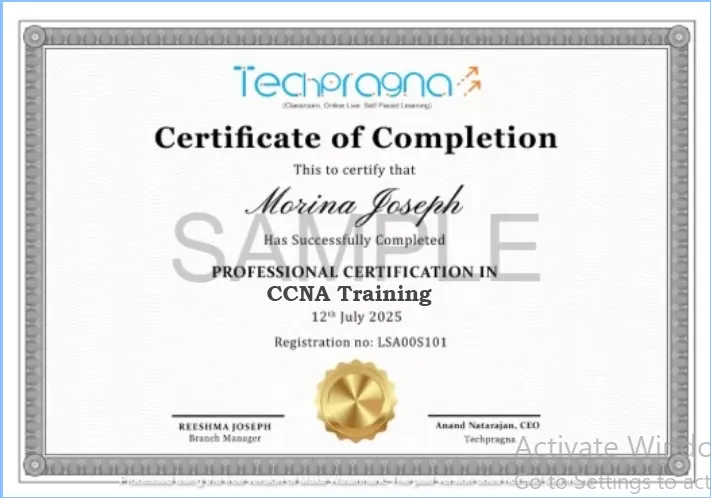
CCNA IT Certification
Take the next step to a rewarding networking career with Techpragna’s Cisco Certified Network Associate course. Get trained by experienced industry experts, where you get the feeling that it’s the company that’s training you in configuring, troubleshooting, managing, and securing networks.
Main Attributes - Cisco Network Associate Course
- Industry-based projects.
- Expertise in industry-standard tools.
- Scope for learning 30+ practical and trending tools.
- Practical Assignments in each module
- Enhancing your profile value
- Showcasing your expertise with confidence.
Request more information
What You’ll Learn
Accelerate your career in network engineering with our Network Engineering Training at Tech Pragna in Bangalore. This comprehensive course equips you with the skills and techniques to design, configure, and troubleshoot networks—perfect for both beginners and working professionals.
Network Engineering Training – Key Features
- Cisco Packet Tracer, Wireshark, GNS3, SolarWinds, Putty, and NetFlow
- Network design, configuration, troubleshooting, security, and performance monitoring
- Hands-On Projects: Work on real-world network scenarios and practical simulations
- Understand routing and switching protocols including OSPF, BGP, and VLANs
- Live online and offline interactive sessions from top industry professionals
- Guaranteed placement support through our career advancement services
Request more information
Syllabus for CCNA IT Certification Course
Module 1: Introduction to Computer Networks
- Fundamentals of computer networking
- Types of networks (LAN, WAN, MAN, WLAN)
- Network topologies and architectures
- OSI Model and TCP/IP Model
- Introduction to Cisco networking
- Mini Lab: Build and analyze a basic network topology
Module 2: Network Devices and Cabling
- Routers, switches, hubs, access points, and firewalls
- Network Interface Cards (NICs)
- Ethernet standards and cabling
- Copper and fiber optic media
- Console and remote device access
- Mini Lab: Connect and configure Cisco devices
Module 3: IPv4 Addressing and Subnetting
- IPv4 addressing concepts
- Public vs Private IP addresses
- Subnet masks and CIDR notation
- Subnetting techniques and VLSM
- IP address planning
- Mini Lab: Design and calculate subnets
Module 4: Cisco IOS and Device Configuration
- Cisco IOS navigation
- Initial router and switch configuration
- Device security basics
- Saving and backing up configurations
- Password and banner configuration
- Mini Lab: Configure a Cisco router and switch
Module 5: Switching Concepts
- Ethernet switching fundamentals
- MAC address table
- Switching operation
- Collision and broadcast domains
- Switch configuration and verification
- Mini Lab: Configure Layer 2 switching
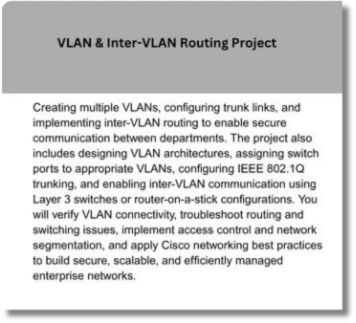
Module 6: VLANs and Inter-VLAN Routing
- VLAN concepts
- Creating and managing VLANs
- Trunking using 802.1Q
- Inter-VLAN routing
- Router-on-a-Stick configuration
- Mini Lab: Implement VLANs and trunk links
Module 7: Routing Fundamentals
- Static routing
- Default routing
- Dynamic routing overview
- Routing table analysis
- Route verification and troubleshooting
- Mini Lab: Configure static routing
Module 8: Dynamic Routing Protocols
- Introduction to dynamic routing
- OSPF fundamentals
- Single-area OSPF configuration
- Neighbor relationships
- Route advertisement and verification
- Mini Lab: Configure OSPF routing
Module 9: IP Services
- DHCP configuration
- DNS concepts
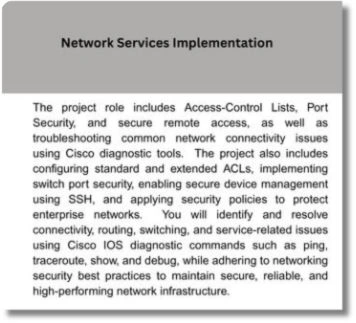
- NAT and PAT
- NTP configuration
- Syslog fundamentals
- Mini Lab: Configure DHCP and NAT
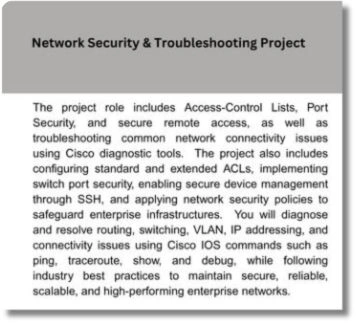
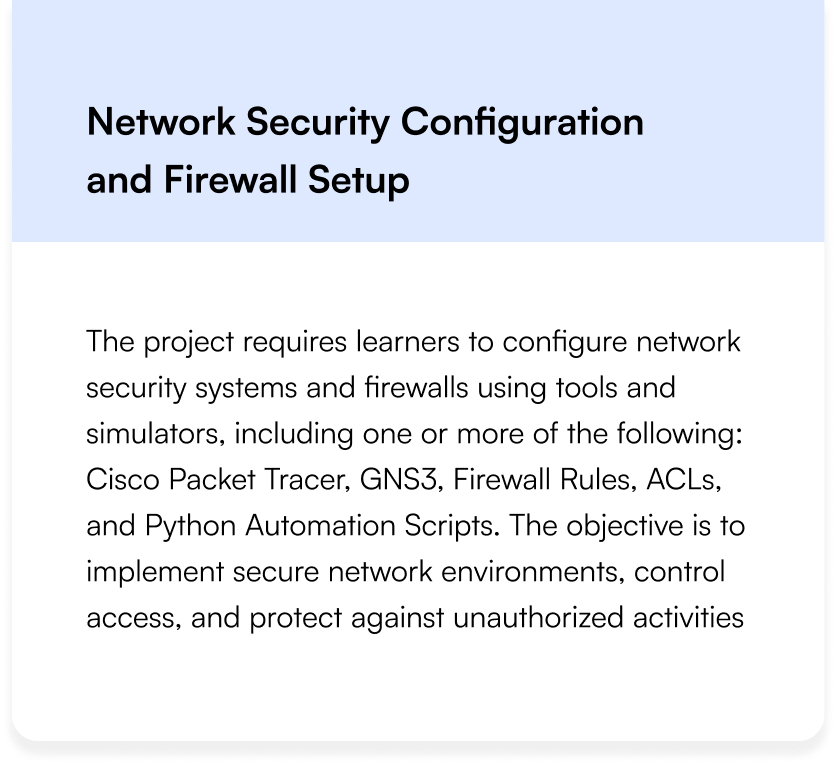
Module 10: Network Security Fundamentals
- Security principles
- Device hardening
- Access Control Lists (ACLs)
- Port Security
- Secure remote access using SSH
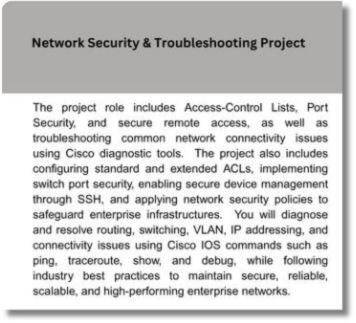
- Mini Lab: Configure ACLs and SSH
Module 11: Wireless Networking
- Wireless LAN fundamentals
- Wireless standards (802.11)
- Wireless security (WPA2/WPA3)
- Access Point configuration
- WLAN troubleshooting
- Mini Lab: Configure a wireless network
Module 12: Network Monitoring and Troubleshooting
- Troubleshooting methodology
- Ping and Traceroute
- Cisco show and debug commands
- Wireshark packet analysis
- Common network issues
- Mini Lab: Troubleshoot enterprise network scenarios
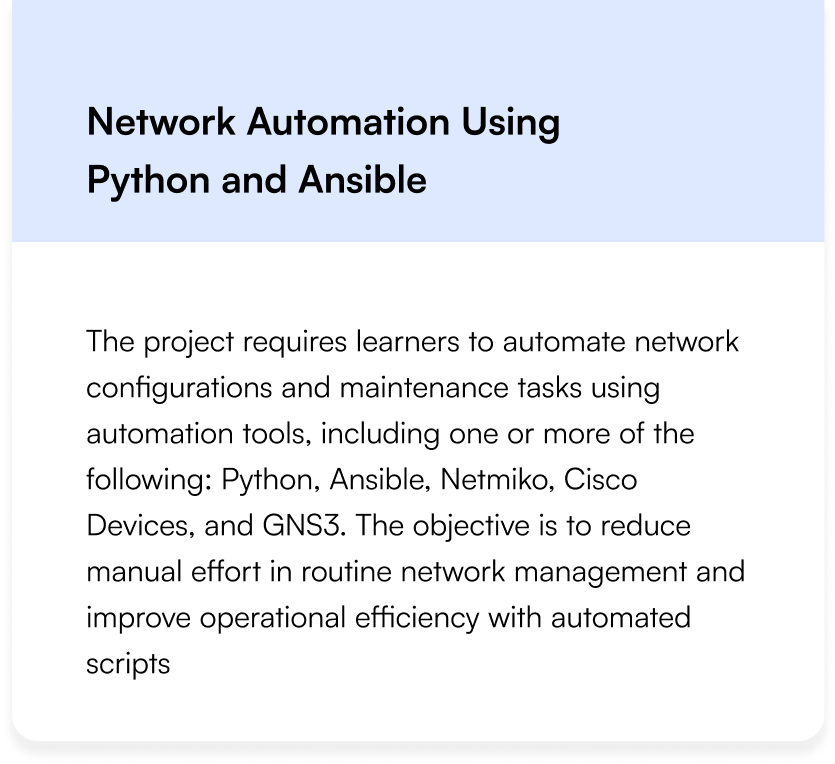
Module 13: Network Automation and Programmability
- Introduction to network automation
- Controller-based networking
- SDN fundamentals
- REST APIs overview
- Configuration management basics
- Mini Lab: Basic network automation concepts
Module 14: Enterprise Networking and Infrastructure
- STP (Spanning Tree Protocol)
- EtherChannel
- Network redundancy
- High availability concepts
- Enterprise network design fundamentals
- Mini Lab: Configure STP and EtherChannel
Module 15: CCNA Certification Preparation and Capstone Project
- Comprehensive CCNA exam revision
- Practice tests and lab assessments
- Real-world enterprise networking project
- Documentation and troubleshooting report
- Interview preparation and resume guidance
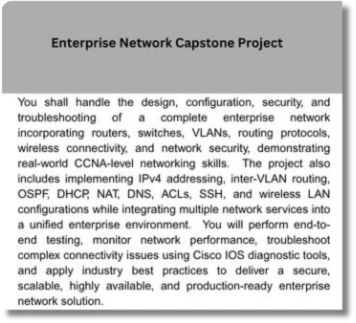
- Final Project: Design, configure, secure, and troubleshoot a complete enterprise network using Cisco technologies.
Module 1: Networking Fundamentals
Introduction to Networking Concepts
OSI and TCP/IP Models Explained
Network Topologies (Star, Mesh, Ring, Hybrid)
IP Addressing (IPv4 vs IPv6)
Subnetting and Supernetting Techniques
Network Protocols (HTTP, FTP, DNS, DHCP)
Network Devices (Hubs, Switches, Routers)
Hands-on: Basic Network Configuration
Module 2: Network Infrastructure
Ethernet Standards (10/100/1000/10G)
Wireless Networking (Wi-Fi 6, 802.11ax)
Fiber Optic vs Copper Cabling
Power over Ethernet (PoE)
Network Virtualization (VLANs, VXLAN)
Data Center Networking
Lab: Configuring VLANs
Troubleshooting Physical Layer Issues
Module 3: Routing and Switching
Routing Protocols (Static vs Dynamic)
OSPF and EIGRP Fundamentals
BGP for Enterprise and ISPs
Layer 2 Switching Concepts
STP (Spanning Tree Protocol)
QoS (Quality of Service) Implementation
Lab: Configuring OSPF on Cisco Routers
Troubleshooting Routing Issues
Module 4: IP Services
NAT (Network Address Translation)
PAT (Port Address Translation)
DHCP Implementation
DNS Configuration and Troubleshooting
NTP (Network Time Protocol)
SNMP for Network Monitoring
Lab: Configuring NAT on a Router
IP SLA for Performance Monitoring
Module 5: Network Security
Network Security Fundamentals
Firewalls (Stateful vs Stateless)
VPN Technologies (IPSec, SSL)
AAA (Authentication, Authorization, Accounting)
Network Access Control (NAC)
Threat Mitigation Techniques
Lab: Configuring a Site-to-Site VPN
Security Best Practices
Module 6: WAN Technologies
WAN Concepts and Technologies
MPLS Fundamentals
SD-WAN Architecture
Leased Lines vs Broadband
Cellular WAN (4G/5G)
Lab: Configuring a WAN Connection
Troubleshooting WAN Issues
Cloud Connectivity (AWS/Azure Direct Connect)
Module 7: Network Automation
Introduction to Network Automation
Python for Network Engineers
Ansible for Network Configuration
NETCONF and YANG Models
REST APIs for Network Devices
Lab: Automating VLAN Deployment
Infrastructure as Code (IaC)
CI/CD for Networking
Module 8: Cloud Networking
- Cloud Networking Concepts
- AWS Networking (VPC, Direct Connect)
- Azure Networking (vNet, ExpressRoute)
- Google Cloud Networking
- Multi-Cloud Networking
- Lab: Configuring a Cloud Network
- Cloud Security Groups
- Troubleshooting Cloud Networks
Module 9: Network Monitoring and Management
Network Monitoring Tools (SolarWinds, PRTG)
SNMP and NetFlow
Syslog and SIEM Integration
Performance Baselining
Network Documentation
Lab: Setting Up a Monitoring System
Capacity Planning
Disaster Recovery Planning
Module 10: Wireless Networking
Wireless Standards (802.11a/b/g/n/ac/ax)
Wireless Security (WPA3, Enterprise)
Wireless Site Surveys
Wireless Controller Configuration
Troubleshooting Wireless Issues
Lab: Configuring a Wireless Network
IoT Wireless Technologies
Future of Wireless (Wi-Fi 6E, 7)
Module 11: Emerging Technologies
Software Defined Networking (SDN)
Network Function Virtualization (NFV)
Intent-Based Networking
5G and Network Slicing
Edge Computing
AI in Network Operations
Lab: SDN Controller Configuration
Future Trends in Networking
Module 12: Capstone Project & Career Prep
Enterprise Network Design Project
Network Troubleshooting Scenarios
Resume Building for Network Roles
Interview Preparation (Technical Questions)
Certifications Roadmap (CCNA, CCNP, JNCIA)
LinkedIn Profile Optimization
Ethics in Network Engineering
Final Project Presentation
Master In-Demand Skills with Practical, Industry-Based Learning
Scope for CCNA IT Certification
CCNA IT Certification is the most trusted evidence that companies would hire professionals for the following roles. The role of CCNA professionals is much more than designing, configuring, securing, and troubleshooting computer networks in an organization that keeps them connected and operational. Their additional role is to optimize network performance and maintain a secure IT environment.
What Role Does a Networking Engineering Professional Play?
Network Engineer
Is responsible for LAN, WAN, & Enterprise network infrastructure, right from designing to maintenance.
Network Administrator
Is in charge of routers, switches, wireless networks, IP addressing, VLANs, and other operations for ensuring maximum availability.
System Administrator
Provides support for servers connected to the network, user connectivity, network services, and infrastructure, with uncompromised maintenance of system performance.
Technical Support Engineer
Diagnoses technical issues such as connectivity and configuration and resolves them, while also providing technical support to individuals and companies.
Infrastructure Engineer
Is primarily responsible for the entire lifecycle of the IT infrastructure of a company, i.e., designing, Deploying, Managing, Performance monitoring, and optimization.
Network Security Associate
Focuses on safeguarding an organization’s critical data and networks from unauthorized users and malicious applications.
Wireless Network Engineer
Has the role of designing, implementing, and configuring LAN, WAN, intranet, internet, and other networks related to data communications
Network Operations Engineer
Constantly monitors the performance of enterprise networks, checks for connectivity issues, and troubleshoots them to ensure consistent functionality.
Network Consultant
Does a thorough assessment of an organization’s networking requirements and recommends personalized solutions considering scalability, security, and performance.
Coverage of Skills in CCNA IT Certification
Networking Fundamentals (OSI Model & TCP/IP)
IPv4 & IPv6 Addressing and Subnetting
Routing & Switching Concepts
CLI Scripting
VLANs, Trunking & Inter-VLAN Routing
Static Routing & OSPF
Cisco IOS Configuration & Device Management
Network Troubleshooting & Diagnostics
Protocol Analysis
Traffic Analysis
Career Services Rendered to Cisco Certified Network Associate


End-to-end career support and guidance

Tailored or 1:1 Mentoring

Assistance in job placements via interview role plays and CV writing.

Program for interview and job-readiness.

Tailored Counseling in Career

Career-oriented Webinars.
Career Services
Placement Assistance
Personalized Guidance
Mock Interview Preparation
One-on-One Mentoring session
Career Oriented Seesions
Resume & LinkedIn Profile Building
How our program works
Enhance Your Skills to Transform Your Career Path
- Unlock the doors that make your path straight for a rewarding career with the help of CCNA IT Certification.
- Earn CCNA Certification trusted by the industries across the globe.
- Showcase your skills in configuration, troubleshooting, and managing enterprise networks that validate your global certification.
- Obtain a competitive edge with global CCNA Certification that reflects your direct participation in actual situations
- Build a rock-solid career with CCNA Certification recognized in India and abroad.
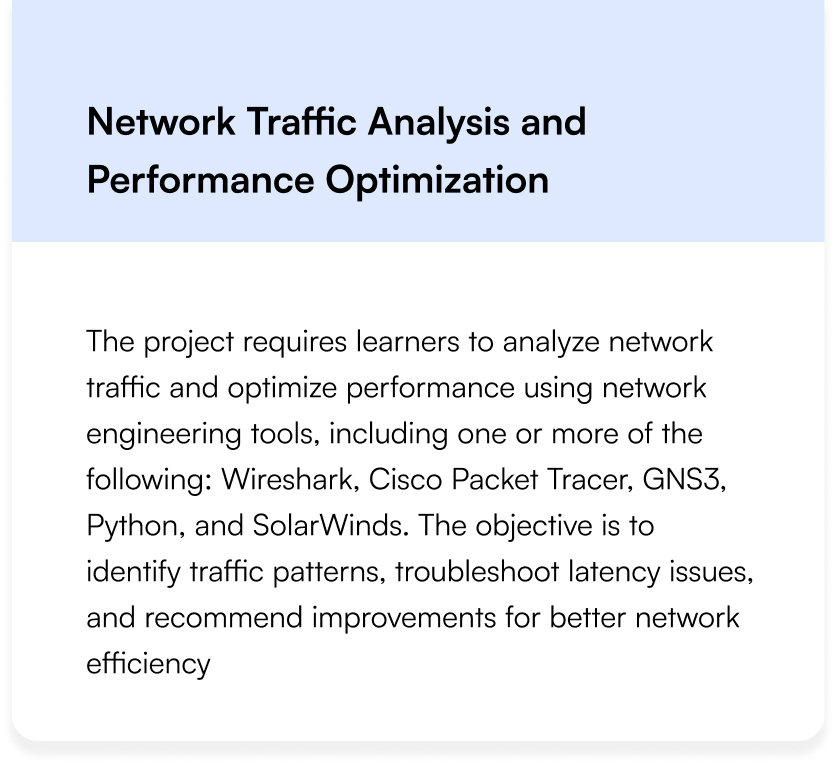
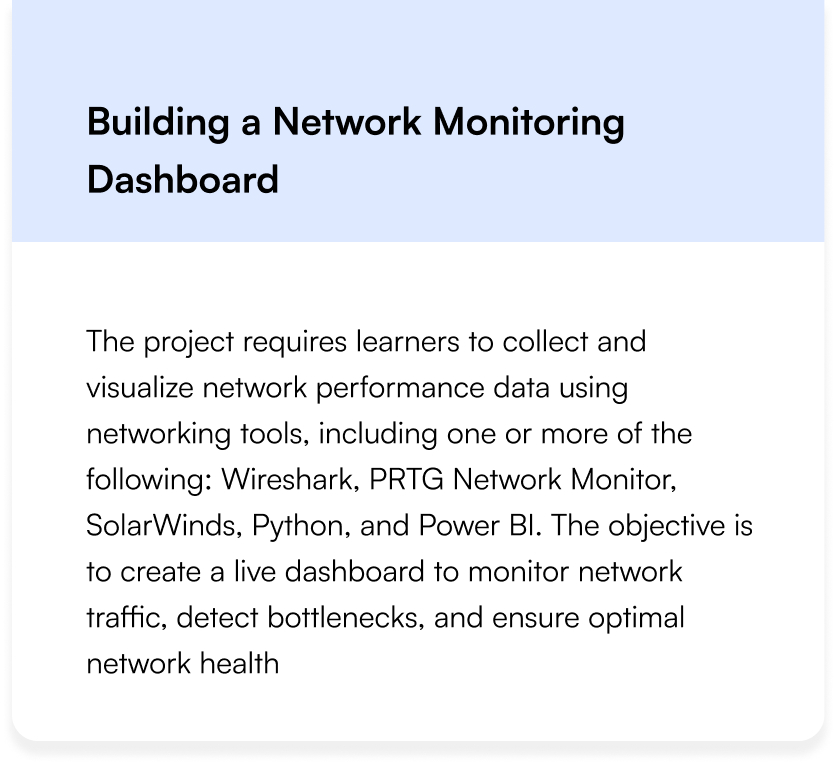
CCNA Projects Covered
Land Your Dream Job Our Alumni

FAQs on Cisco Certified Network Administrator Course
What is the role of a network engineer with CCNA IT Certification?
A network engineer with a CCNA IT Certification implements designs, manages networks, and resolves issues to ensure smooth data flow and secure connectivity.
What are the main types of Networks in the Cisco Network Associate Course?
The Cisco Network Associate Course covers four types of networks, viz, Local Area Network, Metropolitan Area Network, Wide Area Network, and Wireless LAN.
What is the OSI Model in the CCNA Course?
The OSI model is called Open Systems Interconnection, having a framework of seven layers that standardizes communication functions in a network from physical transmission to application interaction.
What is the difference between a switch and a router under Cisco Certified Network Associate?
The function of a switch is to connect all devices within a network, whereas a router connects different networks and transmits the traffic between them.
What do you mean by IP Addressing in the Cisco Certified Network Associate?
IP Addressing provides a unique numerical label (IPv4 or IPv6) to all devices present in the network for identification and communication purposes.
Is the CCNA IT Certification Course available online or offline?
Techpragna offers online (virtual training) and offline (classroom training) according to your convenience.
Networking Engineering Training FAQs
What is a Network Engineer?
A Network Engineer designs, implements, manages, and troubleshoots computer networks, ensuring smooth data flow and secure connectivity within an organization
What are the main types of networks?
The main types are LAN (Local Area Network), WAN (Wide Area Network), MAN (Metropolitan Area Network), and WLAN (Wireless LAN)
What is the OSI Model?
The OSI Model (Open Systems Interconnection) is a 7-layer framework that standardizes communication functions in a network, from physical transmission to application interaction
What is the difference between a switch and a router?
A switch connects devices within a network (LAN), while a router connects different networks (LAN to WAN) and routes traffic between them.
What is IP addressing?
IP addressing assigns a unique numerical label (IPv4 or IPv6) to each device on a network for identification and communication
Is this course available online or offline?
Tech Pragna are offered in both online and offline
Who can join the Network Engineering Training?
Anyone interested in networking—freshers, IT graduates, or working professionals—can join. No prior experience is required
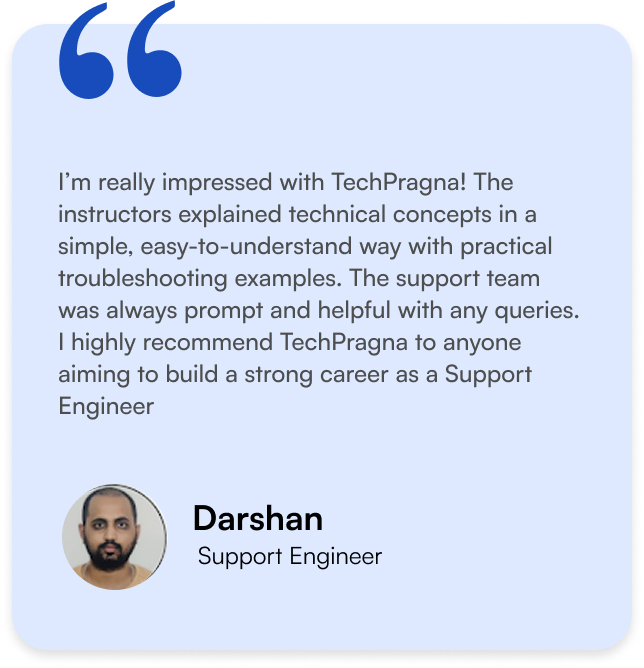
What Our Learners Have To Say
What Our Learners Have To Say




Explore the Latest Trending Courses

Software Testing
- Online/Offline
- 6 Months
- Professional Level Certification
- Projects and Case Study

Data Science
- Online/Offline
- 6 Months
- Professional Level Certification
- Projects and Case Study

Full Stack Development
- Online/Offline
- 6 Months
- Professional Level Certification
- Projects and Case Study

Cyber Security
- Online/Offline
- 6 Months
- Professional Level Certification
- Projects and Case Study
Software Testing
- Online/Offline
- 6 Months
- Professional Level Certification
- Projects and Case Study

Data Science
- Online/Offline
- 6 Months
- Professional Level Certification
- Projects and Case Study
Full Stack Development
- Online/Offline
- 6 Months
- Professional Level Certification
- Projects and Case Study
Cyber Security
- Online/Offline
- 6 Months
- Professional Level Certification
- Projects and Case Study