
Linux Training
Develop sharp insights and dexterity in Linux administration by enrolling in our Linux Training and working on projects provided by companies.
- Collaborative virtual and in-person sessions taken by industry professionals.
- Definite employment assistance from our placement division.
- In-depth understanding of Linux Configuration & Commands, Shell Scripts, and Administration.
- Interview preparation with the help of rehearsals like mock interviews.

World-Class Instructors

1:1 with Industry Mentors

55% Avg. Salary Hike

Interview Preparation
World-Class Instructors
1:1 with Industry Mentors
55% Avg. Salary Hike
Interview Preparation
Linux Operating System Training
Techpragna’s Linux Operating System Training familiarizes you with Linux commands, shell programming, network service configuration, and enterprise-level infrastructure management, supplemented by concrete experience from practical projects.
Notable Highlights – Key Features
- Maestro in Linux fundamentals and advanced Linux
- Applied Knowledge in a real-time environment, such as server administration and troubleshooting, with tips provided by tech-savvy professionals.
- Develop operational project undertakings like Linux Server Deployment, automated shell scripting, configuration of web servers, etc
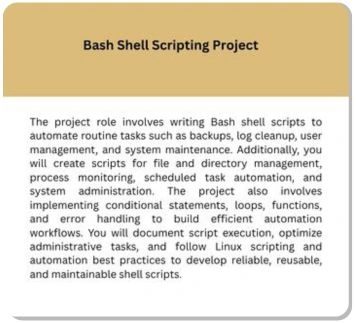
- Competency in Bash Shell Scripts for performing iterative administration tasks to enhance productivity.
- Opportunity to gain relevant experience using tools like Git, Docker, VMware, Apache, Samba, etc.
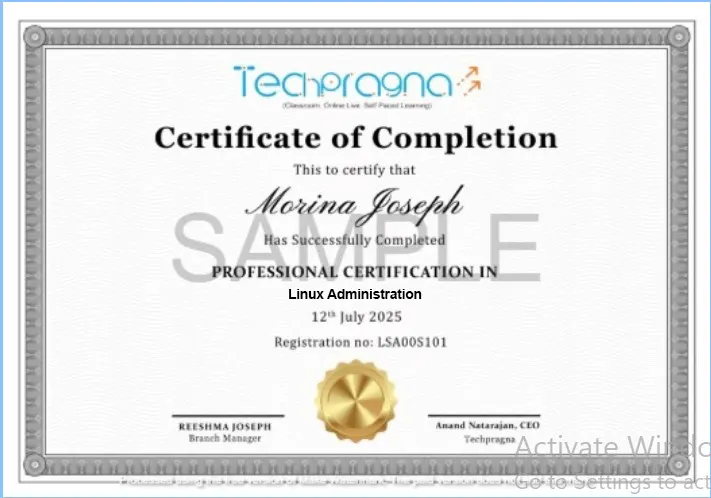
- Validate your expertise by building a professional Linux Administration Portfolio having concrete experience in real-world infrastructure and automation projects.
Request more information
What You’ll Learn
Accelerate your career in network engineering with our Network Engineering Training at Tech Pragna in Bangalore. This comprehensive course equips you with the skills and techniques to design, configure, and troubleshoot networks—perfect for both beginners and working professionals.
Network Engineering Training – Key Features
- Cisco Packet Tracer, Wireshark, GNS3, SolarWinds, Putty, and NetFlow
- Network design, configuration, troubleshooting, security, and performance monitoring
- Hands-On Projects: Work on real-world network scenarios and practical simulations
- Understand routing and switching protocols including OSPF, BGP, and VLANs
- Live online and offline interactive sessions from top industry professionals
- Guaranteed placement support through our career advancement services
Request more information
Specific Course Outlines – Linux Operating System
Module 1: Introduction to Linux and Environment Setup
- Introduction to Linux and Open Source
- Linux distributions (Ubuntu, RHEL, Rocky Linux, CentOS)
- Installing Linux using VirtualBox/VMware
- Linux file system overview
- Basic terminal navigation
- Mini Task: Install Linux and perform basic terminal operations
Module 2: Linux Commands and File Management
- Basic Linux commands
- Working with files and directories
- File viewing and editing (cat, less, nano, vi/vim)
- File search and manipulation
- Command history and shortcuts
- Mini Task: Organize and manage files using Linux commands
Module 3: Users, Groups, and Permissions
- User and group management
- Password management
- File ownership
- Linux permissions and chmod
- Access control concepts
- Mini Task: Create users, groups, and configure permissions
Module 4: Package Management
- Understanding software repositories
- APT, DNF, and YUM package managers
- Installing, updating, and removing packages
- Repository configuration
- System updates
- Mini Task: Install and manage software packages
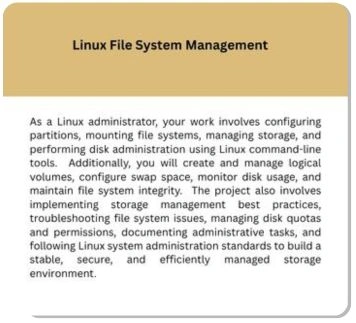
Module 5: Linux File System Administration
- Linux directory structure
- File systems (ext4, XFS)
- Mounting and unmounting file systems
- Disk usage monitoring
- Swap space management
- Mini Task: Configure and manage storage
Module 6: Process and Service Management
- Understanding Linux processes
- Process monitoring
- Job control
- systemd and systemctl
- Service management
- Mini Task: Monitor and manage system services
Module 7: Shell Scripting Basics
- Bash shell fundamentals
- Variables and operators
- Conditional statements
- Loops
- Functions
- Mini Task: Create a shell script for system automation
Module 8: Networking in Linux
- Network fundamentals
- IP addressing
- Network configuration
- DNS configuration
- SSH and remote access
- Network troubleshooting tools
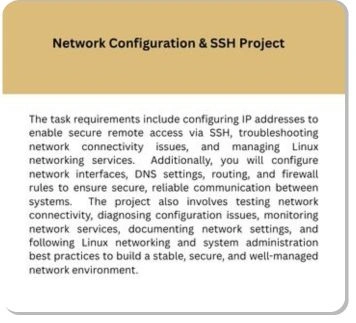
- Mini Task: Configure networking and remote login
Module 9: Storage Management
- Disk partitioning
- LVM (Logical Volume Manager)
- RAID concepts
- File system creation
- Mount management
- Mini Task: Configure LVM and storage volumes
Module 10: System Monitoring and Performance
- CPU and memory monitoring
- Disk performance
- Log management
- Performance analysis tools
- Resource optimization
- Mini Task: Monitor and optimize system performance
Module 11: Linux Security Administration
- User authentication
- Firewall configuration
- SSH hardening
- SELinux/AppArmor basics
- Security best practices
- Mini Task: Secure a Linux server
Module 12: Network Services
- Apache and Nginx web servers
- FTP server basics
- NFS and Samba
- Cron jobs
- Time synchronization (NTP)
- Mini Task: Configure Linux network services
Module 13: Backup, Recovery, and Automation
- Backup strategies
- rsync and tar
- Scheduled backups using Cron
- Disaster recovery basics
- Automation using shell scripts
- Mini Task: Build an automated backup solution
Module 14: Enterprise Linux Administration Project
- Enterprise server deployment
- User and access management
- Storage and network configuration
- Security implementation
- Server monitoring and troubleshooting
- Final Project: Deploy, configure, secure, and manage a production-ready Linux server
- Resume, portfolio, and interview preparation for Linux Administration roles
Module 1: Networking Fundamentals
Introduction to Networking Concepts
OSI and TCP/IP Models Explained
Network Topologies (Star, Mesh, Ring, Hybrid)
IP Addressing (IPv4 vs IPv6)
Subnetting and Supernetting Techniques
Network Protocols (HTTP, FTP, DNS, DHCP)
Network Devices (Hubs, Switches, Routers)
Hands-on: Basic Network Configuration
Module 2: Network Infrastructure
Ethernet Standards (10/100/1000/10G)
Wireless Networking (Wi-Fi 6, 802.11ax)
Fiber Optic vs Copper Cabling
Power over Ethernet (PoE)
Network Virtualization (VLANs, VXLAN)
Data Center Networking
Lab: Configuring VLANs
Troubleshooting Physical Layer Issues
Module 3: Routing and Switching
Routing Protocols (Static vs Dynamic)
OSPF and EIGRP Fundamentals
BGP for Enterprise and ISPs
Layer 2 Switching Concepts
STP (Spanning Tree Protocol)
QoS (Quality of Service) Implementation
Lab: Configuring OSPF on Cisco Routers
Troubleshooting Routing Issues
Module 4: IP Services
NAT (Network Address Translation)
PAT (Port Address Translation)
DHCP Implementation
DNS Configuration and Troubleshooting
NTP (Network Time Protocol)
SNMP for Network Monitoring
Lab: Configuring NAT on a Router
IP SLA for Performance Monitoring
Module 5: Network Security
Network Security Fundamentals
Firewalls (Stateful vs Stateless)
VPN Technologies (IPSec, SSL)
AAA (Authentication, Authorization, Accounting)
Network Access Control (NAC)
Threat Mitigation Techniques
Lab: Configuring a Site-to-Site VPN
Security Best Practices
Module 6: WAN Technologies
WAN Concepts and Technologies
MPLS Fundamentals
SD-WAN Architecture
Leased Lines vs Broadband
Cellular WAN (4G/5G)
Lab: Configuring a WAN Connection
Troubleshooting WAN Issues
Cloud Connectivity (AWS/Azure Direct Connect)
Module 7: Network Automation
Introduction to Network Automation
Python for Network Engineers
Ansible for Network Configuration
NETCONF and YANG Models
REST APIs for Network Devices
Lab: Automating VLAN Deployment
Infrastructure as Code (IaC)
CI/CD for Networking
Module 8: Cloud Networking
- Cloud Networking Concepts
- AWS Networking (VPC, Direct Connect)
- Azure Networking (vNet, ExpressRoute)
- Google Cloud Networking
- Multi-Cloud Networking
- Lab: Configuring a Cloud Network
- Cloud Security Groups
- Troubleshooting Cloud Networks
Module 9: Network Monitoring and Management
Network Monitoring Tools (SolarWinds, PRTG)
SNMP and NetFlow
Syslog and SIEM Integration
Performance Baselining
Network Documentation
Lab: Setting Up a Monitoring System
Capacity Planning
Disaster Recovery Planning
Module 10: Wireless Networking
Wireless Standards (802.11a/b/g/n/ac/ax)
Wireless Security (WPA3, Enterprise)
Wireless Site Surveys
Wireless Controller Configuration
Troubleshooting Wireless Issues
Lab: Configuring a Wireless Network
IoT Wireless Technologies
Future of Wireless (Wi-Fi 6E, 7)
Module 11: Emerging Technologies
Software Defined Networking (SDN)
Network Function Virtualization (NFV)
Intent-Based Networking
5G and Network Slicing
Edge Computing
AI in Network Operations
Lab: SDN Controller Configuration
Future Trends in Networking
Module 12: Capstone Project & Career Prep
Enterprise Network Design Project
Network Troubleshooting Scenarios
Resume Building for Network Roles
Interview Preparation (Technical Questions)
Certifications Roadmap (CCNA, CCNP, JNCIA)
LinkedIn Profile Optimization
Ethics in Network Engineering
Final Project Presentation
Master In-Demand Skills with Practical, Industry-Based Learning
Career Prospects in Linux Course
Linux Course in Techpragna offers career prospects for candidates for professions such as:
What Role Does a Networking Engineering Professional Play?
Linux Support Engineer
Constantly monitors system performance and troubleshoots technical glitches to support Linux systems and servers.
DevOps Engineer
Makes the Development and other IT operations team work collectively for successful deliverability of applications.
Cloud Support Engineer
Performs multitasking such as troubleshooting and optimizing backend cloud operations to solve customers’ technical issues.
Infrastructure Engineer
Establishes physical servers, virtual machines, and cloud environments to maintain the system’s reliability and scalability.
Site Reliability Engineer
Puts software engineering principles into practice to reduce manual tasks through automation for retaining the system’s reliability and scalability.
Linux Security Administrator
Focuses on completing routine statutory audits, maintaining firewalls, and performing vulnerability assessments for tightening security of Linux Servers.
Shell Programmer
Writes shell programs using Bash or Shell on Linux Operating Systems to promote automation, file management, and software deployment with backups.
Automation Engineer
Focuses on eliminating iterative tasks and maximizing production speed by designing, creating, and maintaining mechanical systems for automatic operation.
Coverage of Skills – Linux Operating Systems Training
Linux Installation & System Configuration
Linux Command Line (CLI) and Shell Navigation
File System Management and Directory Structure
User, Group, and Permission Management
Package Management (APT, YUM, DNF)
Process and Service Management (Systems)
Bash Shell Scripting and Task Automation
Disk, Partition, LVM, and RAID Management
Network Configuration and Troubleshooting
SSH Administration and Remote Server Management
Tools Covered in Linux Administration

Career Services Provided in Linux Course


Guaranteed Placement Support with Hiring Partners

Tailored mentoring from industry experts in Linux.

Tailored & Professional Career Guidance

Career Boosting Sessions for Beginners & Professionals.

Ensuring technical readiness for an interview.

Build an ATS-Optimized Curriculum Vitae.
Career Services
Placement Assistance
Personalized Guidance
Mock Interview Preparation
One-on-One Mentoring session
Career Oriented Seesions
Resume & LinkedIn Profile Building
How our program works
Enhance Your Skills to Transform Your Career Path
- Present your project portfolio displaying the required skills in Linux.
- Readiness for rewarding careers in Linux.
- Demonstration of skills in deployment, managing, monitoring, and securing Linux servers leveraging the tools according to industry requirements.
- Showcasing your automation skills and troubleshooting technical issues.
- Connection with mentors who are industry experts to acquire practical knowledge.
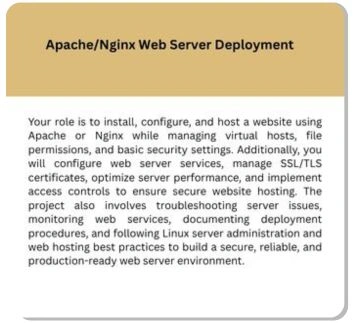
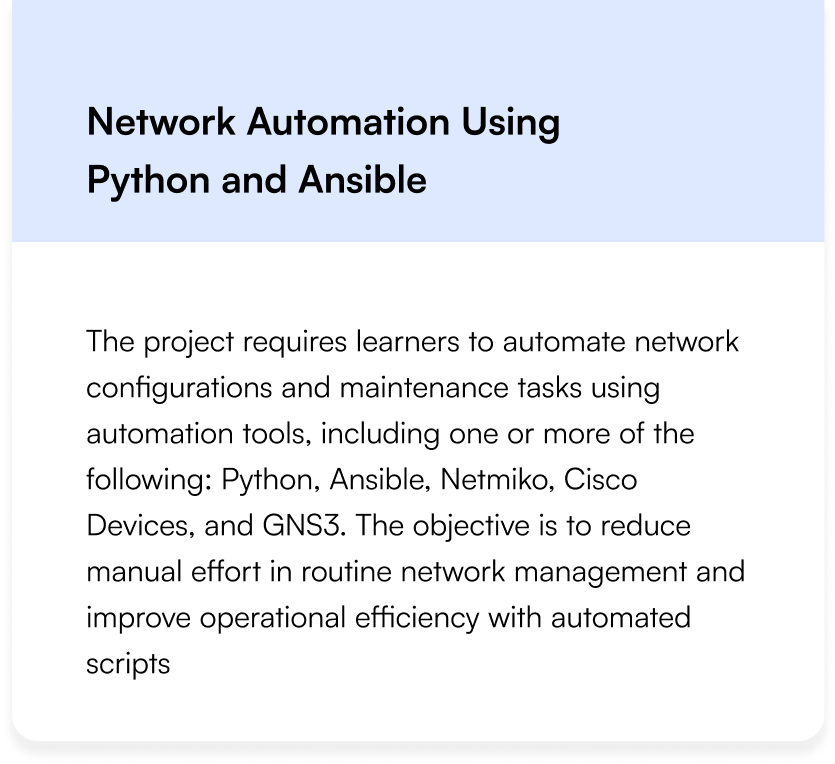
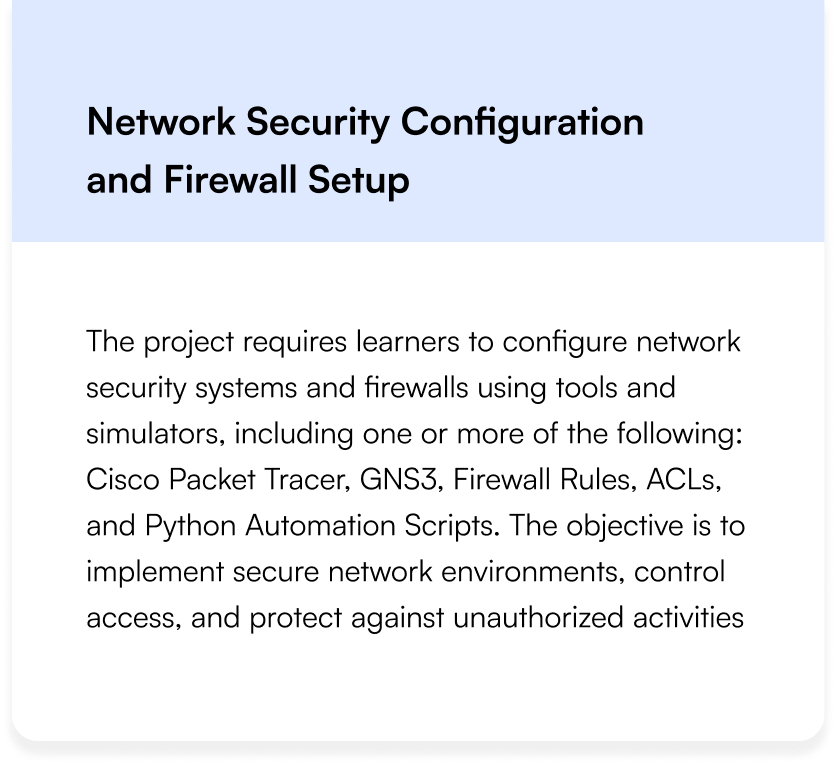
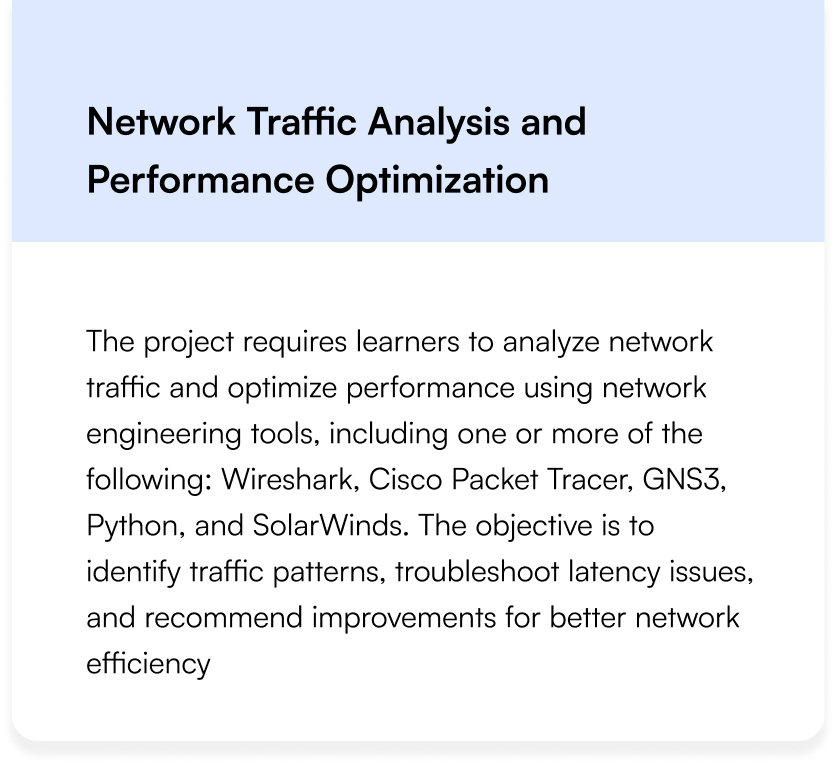
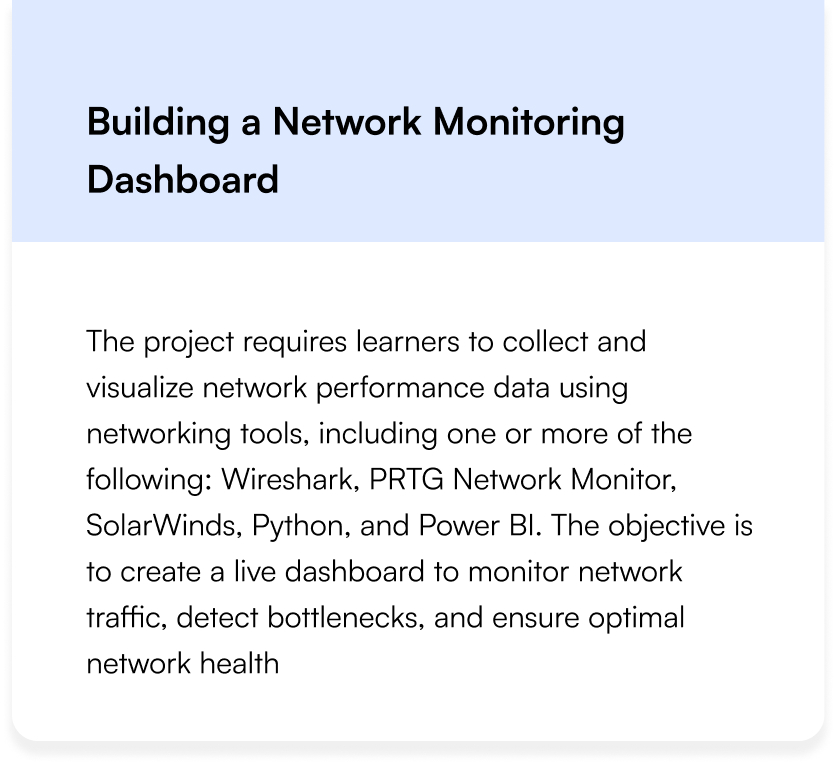
Linux Projects Covered
Land Your Dream Job Our Alumni

FAQs on Linux Training
What is a Linux Administrator?
A Linux administrator is an IT professional specialized in the Linux Operating System. They install, configure, and maintain the organization’s servers that work on Linux platforms.
What skills can I acquire from a Linux Course?
The skills that you will develop from a Linux Course are installation, configuration, management of system files, managing user permissions, shell programming and scripting, and so on.
Will I get practical experience that I can present in an interview?
Yes, you will gain practical experience as you will get an opportunity to work on live projects that improve your employability chances.
What are the reasons to use Linux in the IT industry?
Cost factor is the core reason that the IT industry uses Linux. Licensing costs are low, followed by robust security, high stability, high performance, scalability, and flexibility.
How is Linux different from Windows?
Linux is an open-source operating system featuring higher flexibility, security, performance, and cost-effectiveness. All these features make Linux a better choice for enterprise servers and cloud infrastructure. Though Windows has an advantage in terms of user-friendliness, it is relatively more expensive.
How does Linux knowledge and experience benefit a DevOps Career?
Linux is a base for various cloud platforms best-suited for DevOps environments. The skills acquired in Linux are useful for building DevOps environments that are highly compatible with cloud infrastructure, containers, and automation tools.
Networking Engineering Training FAQs
What is a Network Engineer?
A Network Engineer designs, implements, manages, and troubleshoots computer networks, ensuring smooth data flow and secure connectivity within an organization
What are the main types of networks?
The main types are LAN (Local Area Network), WAN (Wide Area Network), MAN (Metropolitan Area Network), and WLAN (Wireless LAN)
What is the OSI Model?
The OSI Model (Open Systems Interconnection) is a 7-layer framework that standardizes communication functions in a network, from physical transmission to application interaction
What is the difference between a switch and a router?
A switch connects devices within a network (LAN), while a router connects different networks (LAN to WAN) and routes traffic between them.
What is IP addressing?
IP addressing assigns a unique numerical label (IPv4 or IPv6) to each device on a network for identification and communication
Is this course available online or offline?
Tech Pragna are offered in both online and offline
Who can join the Network Engineering Training?
Anyone interested in networking—freshers, IT graduates, or working professionals—can join. No prior experience is required
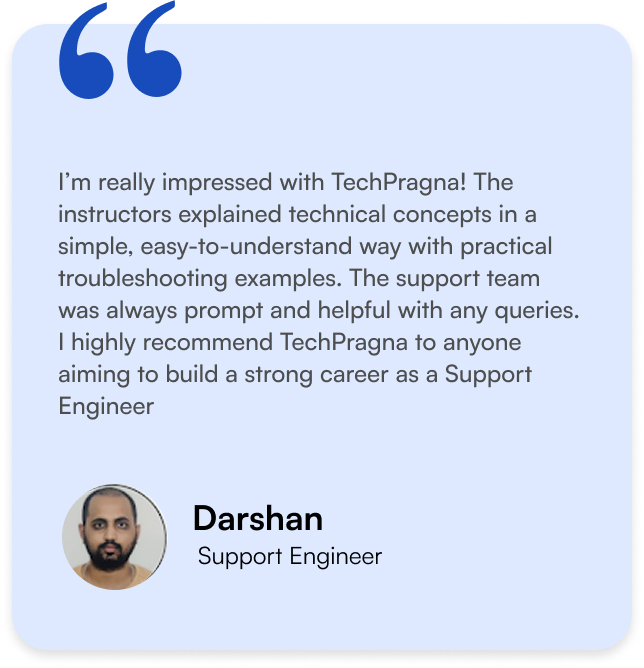
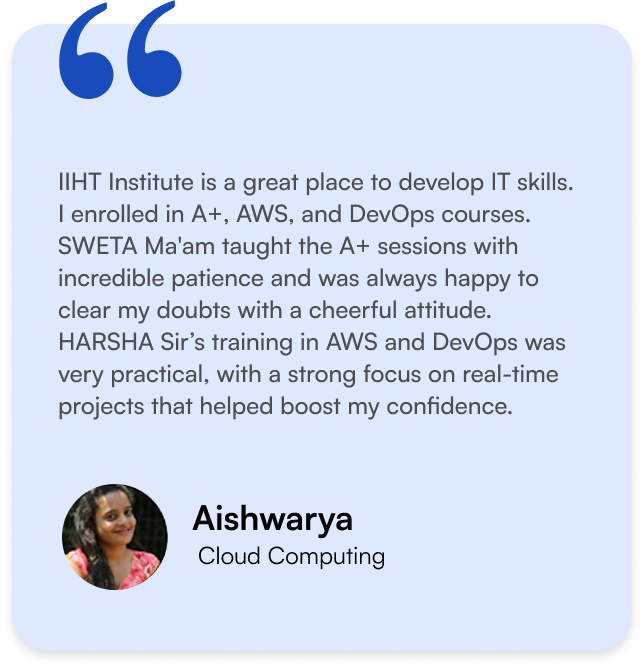
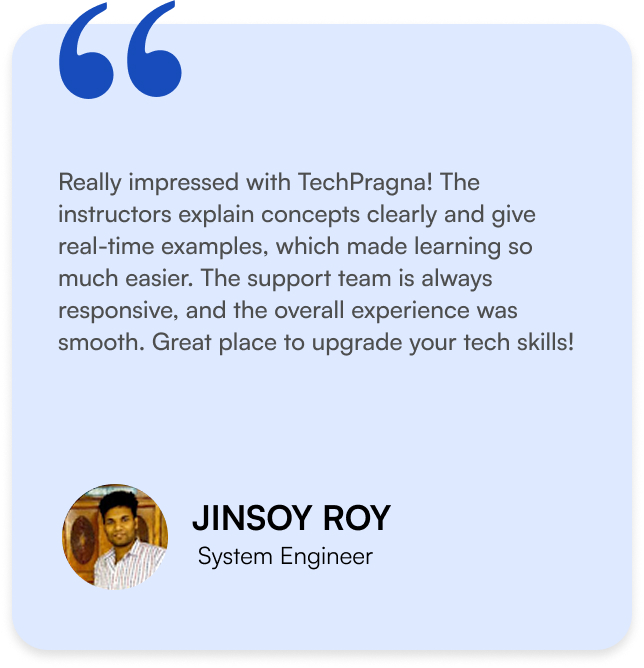
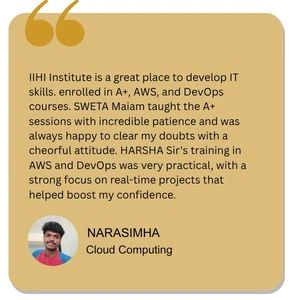
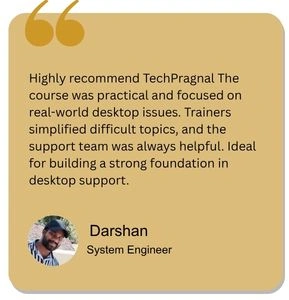
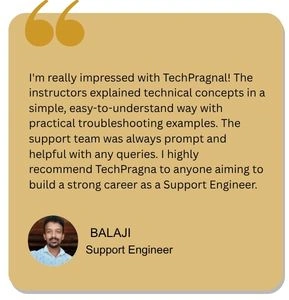
What Our Learners Have To Say
What Our Learners Have To Say
Explore the Latest Trending Courses

Software Testing
- Online/Offline
- 6 Months
- Professional Level Certification
- Projects and Case Study

Data Science
- Online/Offline
- 6 Months
- Professional Level Certification
- Projects and Case Study

Full Stack Development
- Online/Offline
- 6 Months
- Professional Level Certification
- Projects and Case Study

Cyber Security
- Online/Offline
- 6 Months
- Professional Level Certification
- Projects and Case Study
Software Testing
- Online/Offline
- 6 Months
- Professional Level Certification
- Projects and Case Study

Data Science
- Online/Offline
- 6 Months
- Professional Level Certification
- Projects and Case Study
Full Stack Development
- Online/Offline
- 6 Months
- Professional Level Certification
- Projects and Case Study
Cyber Security
- Online/Offline
- 6 Months
- Professional Level Certification
- Projects and Case Study